 If you’ve noticed my blogging activity has reduced in frequency and technical content lately it’s primarily due to all of the conferences I’ve been attending, speaking at, or planning in the past few months. This past Friday myself and six other dedicated individuals put on Stir Trek: Iron Man Edition as the culmination of a few months of hard work. For those unfamiliar, Stir Trek is a web developer conference that was founded last year as an event to showcase content from Microsoft’s MIX conference and end the day with a private showing of the then just-released Star Trek movie. This year’s conference expanded from 2 to 4 content tracks and upped the number of tickets from 350 to 600. Even more amazing was the fact that we had 592 people show up day of the event for the lowest drop-off percentage of any conference I’ve been to before.
Nerd Dinner and Swag Bags
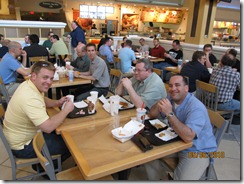
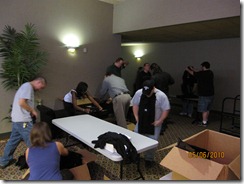
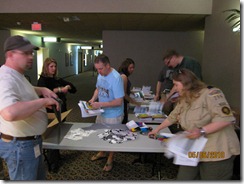
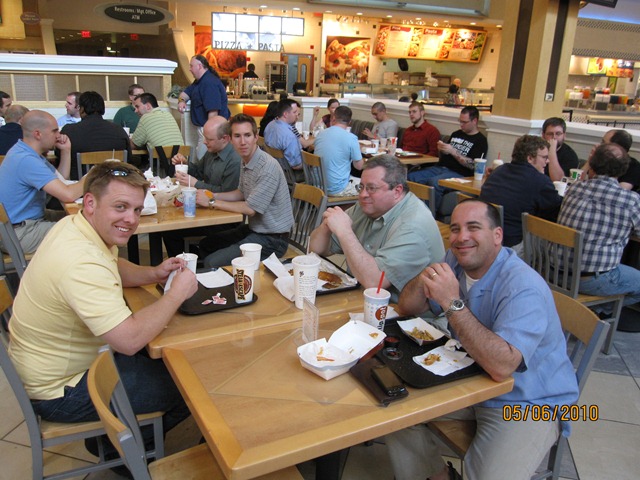
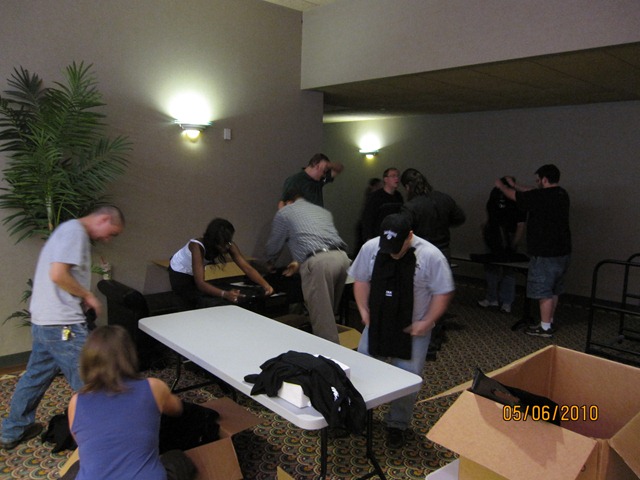
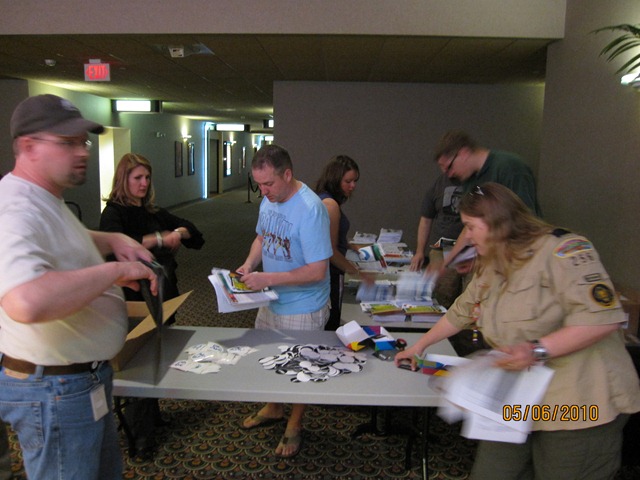
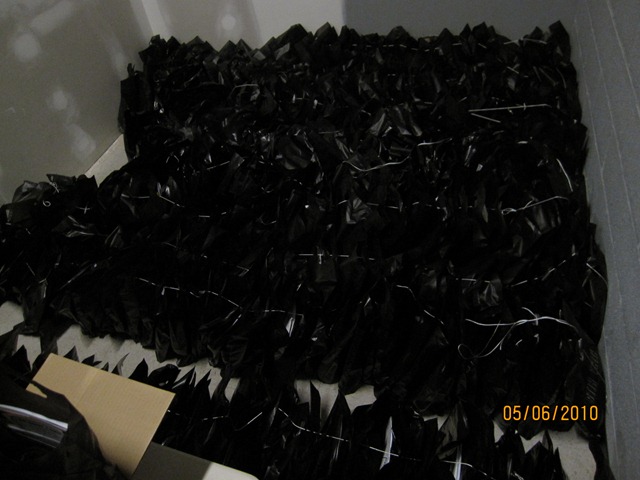
The night before Stir Trek: Iron Man Edition we hosted a nerd dinner at the Polaris Shopping mall food court with about 30 in attendance. Nerd dinners are a great time to meet others passionate about technology and socialize before the whirlwind of the conference hits. After the nerd dinner 20+ volunteers headed to the conference location and helped us stuff swag bags. This in and of itself was a monumental task of putting together 600 swag bags with numerous leaflets, sponsor items, and t-shirts. A big thanks goes out to all who assisted us that night so that we could finish in just under 2 hours instead of taking all night. My sleep schedule also thanks you.
Morning of Stir Trek
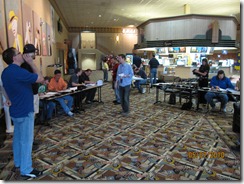
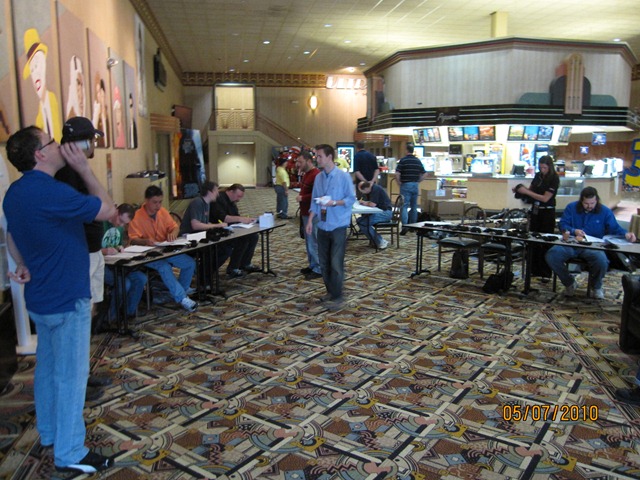
After getting a decent amount of sleep I arrived at Marcus Crosswoods theater at 6am to begin setting up for the day. Myself and Jody Morgan were in charge of registration so we got tables set up, laid out swag bags, and organized our volunteer crew to assist with checking-in attendees. Despite having 600+ people registration went fairly smoothly and got the day off to a great start. I especially appreciated the 3+ cups of coffee from Crimson Cup, a local coffee shop. For any of you that know me you’ll know that I rarely drink coffee except a few times a year when I really need the energy, so that says a lot about how good their coffee is.
Conference Starts
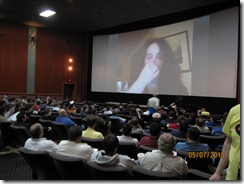
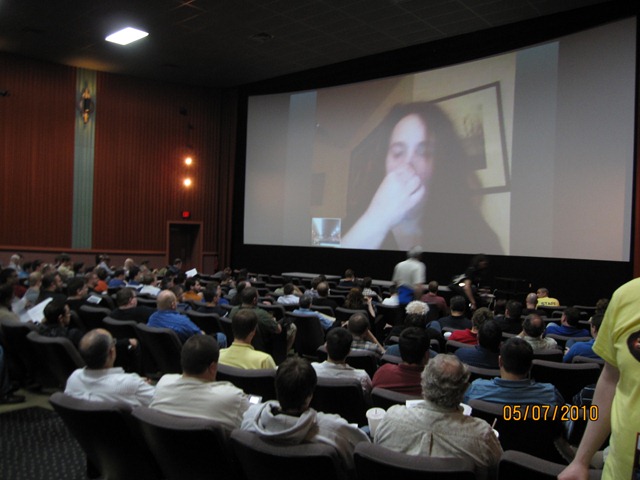
Once registration was completed the day kicked off with Molly Holzschlag keynoting. Unfortunately Molly suffered from an ear infection and wasn’t able to fly so she had a virtual keynote and a session later in the day. I was working behind the scenes on various tasks so I was only able to drop in very briefly on the keynote and rest of the morning sessions. Throughout the day I tried to grab at least 1 or 2 pics of each presenter. See my album below for the full set of pics.
 For lunch we ordered around 150 pizzas from Mellow Mushroom, a local pizza place (notice the theme of supporting local businesses.) Early on we were concerned about Mellow Mushroom being able to supply that many pizzas and get them delivered (still hot) to the theater, but they did an excellent job day of the event. I wish I had gotten some pictures of the old school VW van they delivered the pizza in, but I was just a bit busy running around trying to get theaters ready for lunch. We had attendees from last year who specifically requested that we have Mellow Mushroom supply lunch this year and I’m glad everything worked out being able to use them again.
During the afternoon I was able to attend a few sessions and hear some great content from various speakers. It was also nice to just sit down and get off my feet for a bit. After the last sessions the day concluded with a raffle. There were a few logistical and technical issues that hampered our ability to smoothly conduct the raffle. To those of you that agree the raffle wasn’t the smoothest experience I would like to say that the Stir Trek planning committee has already begun meeting to discuss ways of improving the conference for next year. We are also accepting feedback (both positive and negative) at the following link: click here. If you don’t wish to use the Joind In site you can also email me directly and I’ll be sure to pass along the feedback.
Iron Man 2 Movie
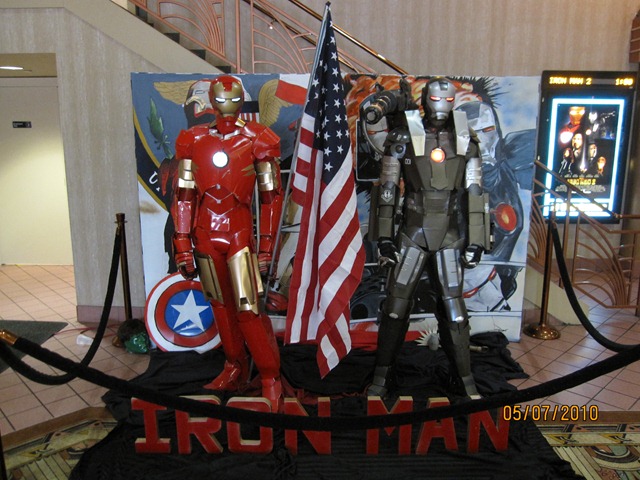
Last but not least, what Stir Trek event would be complete without the feature movie. This year’s movie was Iron Man 2. The theater had some really cool props and promotions (see pic below) for the movie. I really enjoyed Iron Man 2, but I would recommend brushing up on the Iron Man comics and Marvel’s plans for future movies to understand some of the plot elements that come up. Also make sure you stay through to the end of the movie credits to see a sneak peak of something special, that’s all I’ll say. 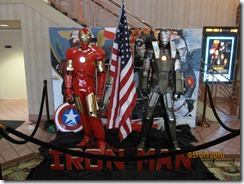
Conclusion
Again a big thanks goes out to all of the speakers, sponsors, attendees, movie theater staff, volunteers, and everyone else involved in making this event great. Also big thanks to my fellow Stir Trek planning committee members: Jeff Blankenburg, Matt Casto, Carey Payette, Jody Morgan, Rick Kierner, and Sarah Dutkiewitcz. I am grateful for everything I learned while helping plan this event and look forward to being involved again next year. For those interested we are currently targeting Thor as our movie theme for 2011 and then The Avengers for 2012. These are tentative based on release dates that could shift as we get closer, but for now look solid.
Photos
Pics on Facebook (includes tagging)
Stir Trek: Iron Man Edition photos on Facebook
Pics on Live site (higher res)
-Frog Out


 The Frog Pond of Technology